Q4 Inc. is a B2B investor relations company helping businesses build meaningful relationships with investors. Our clients' IROs use our CRM platform (Capital Connect) to track investor activity, however, when it came time to book follow-ups, they’d have to switch to tools like Calendly, leading to broken workflows, lost context, and inconsistent branding. I designed Capital Connect's native meeting scheduler from the ground up, built on IRO research and shipped as an MVP. The result replaced a fragmented multi-tool workflow with a single, branded scheduling experience that lives internally on a platform that is already familiar to our users.
IROs needed a native way to schedule meetings directly within our platform, without relying on third-party tools.
- Slow workflows due to switching between tools
- Data silos lead to lost insights
- Branding inconsistencies with external links
Prior to defining the solution, I audited three competitor tools to understand what they do well and where they fall short in a B2B investor relations context.
⚠️ Heavily branded
⚠️ Does not allow for recurring bookings
⚠️ Expensive (need to purchase as package)
⚠️ Custom domain name not supported
⚠️ Very limited integrations
- ~2 month timeline
- Web-only (no mobile)
- Focus on internal product, not end-user design
- Must fit within Capital Connect’s micro-frontend system
- Align with WCAG-compliant Q4 style guide
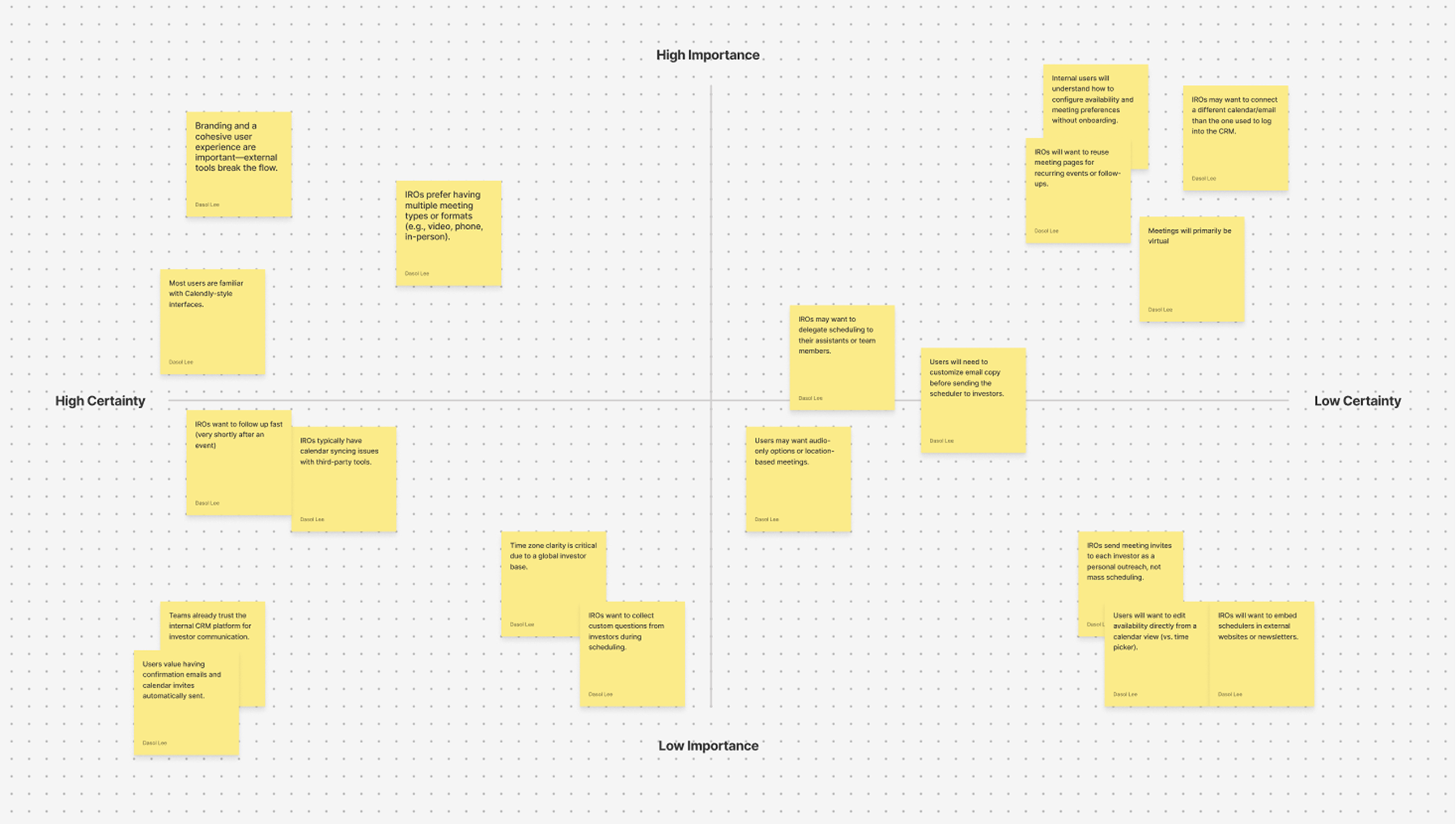
Before ideation, I ran an assumption mapping workshop with PMs and developers to align our priorities and determine what assumptions needed to be validated for our MVP.
- Meetings will primarily be done virtually
- Meeting pages will be reused
- IROs may want to use a different calendar than the one connected to their email on Capital Connect
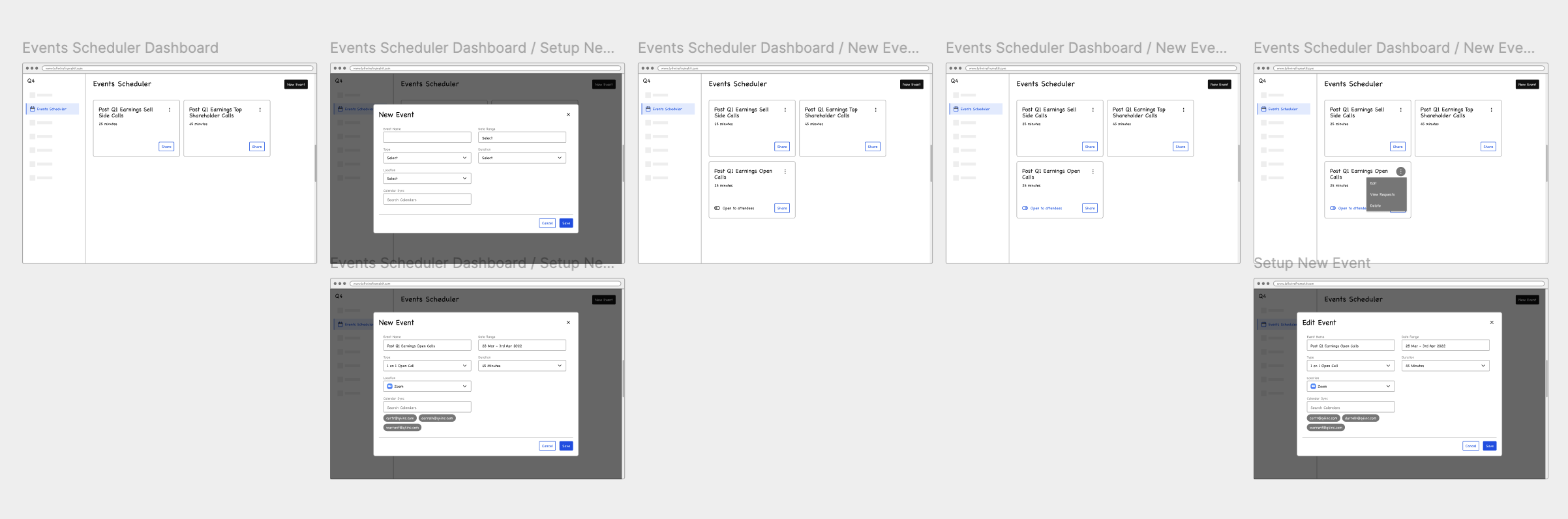
I created lo-fi sketches to map user flows, then mid-fi wireframes based on early feasibility input.
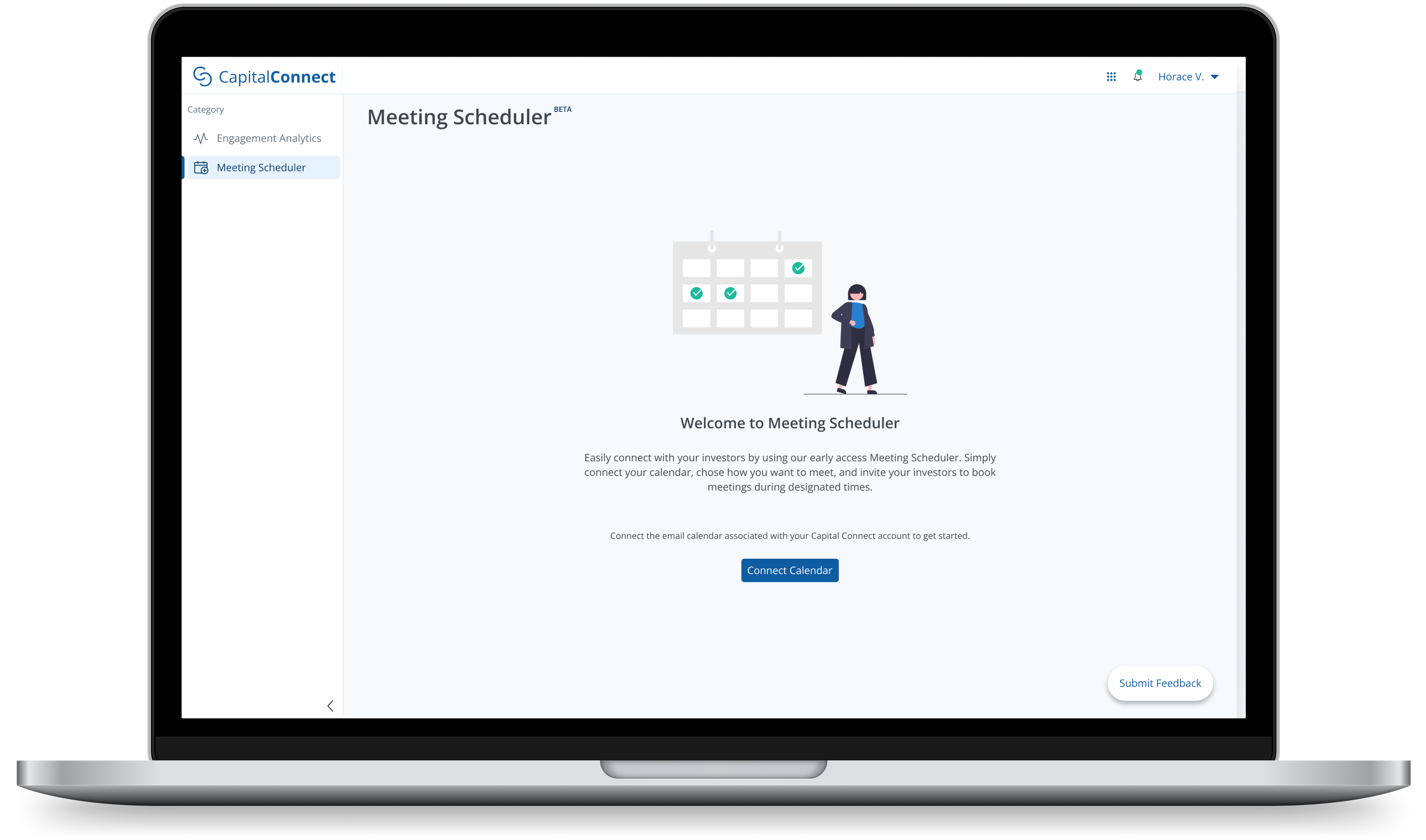
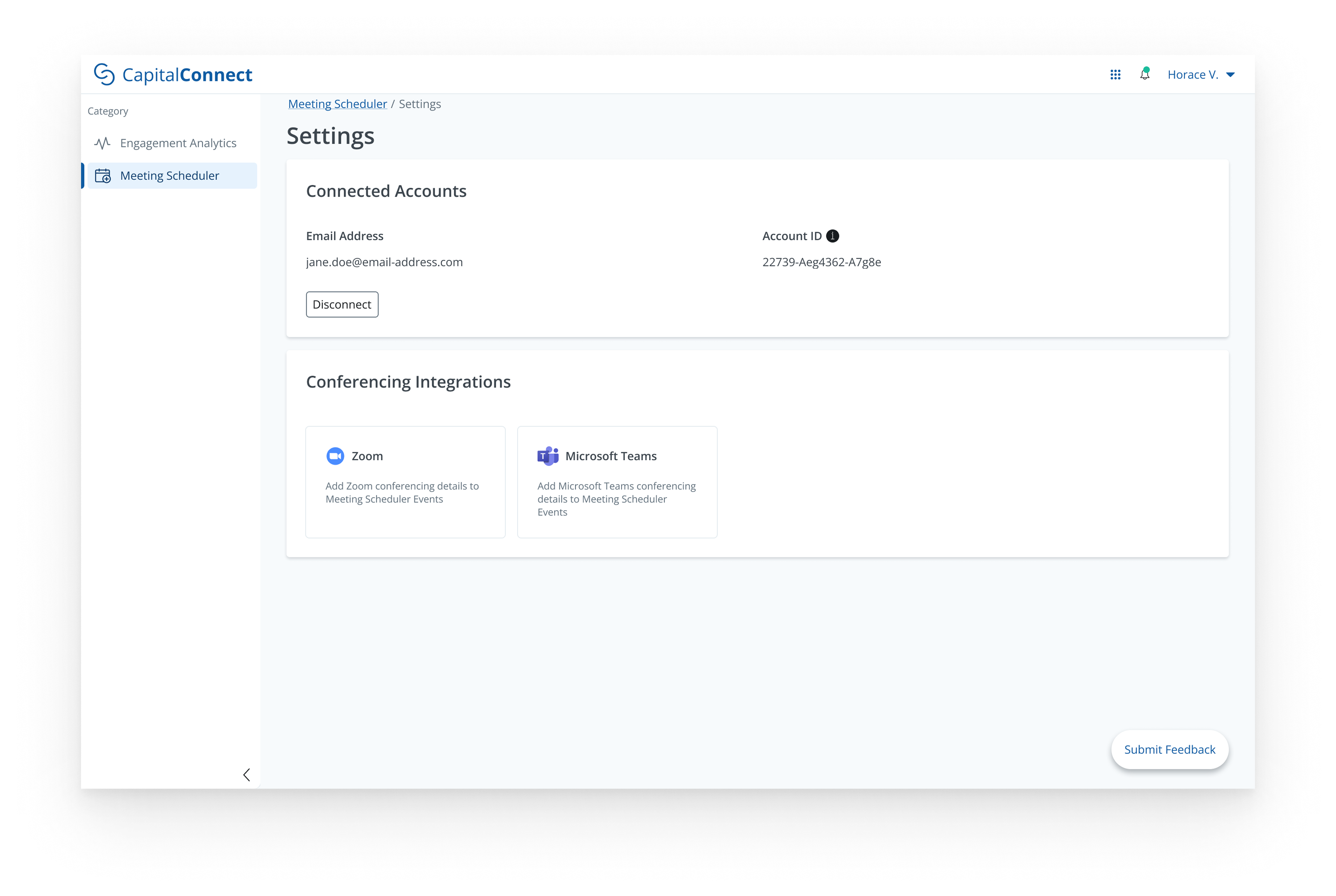
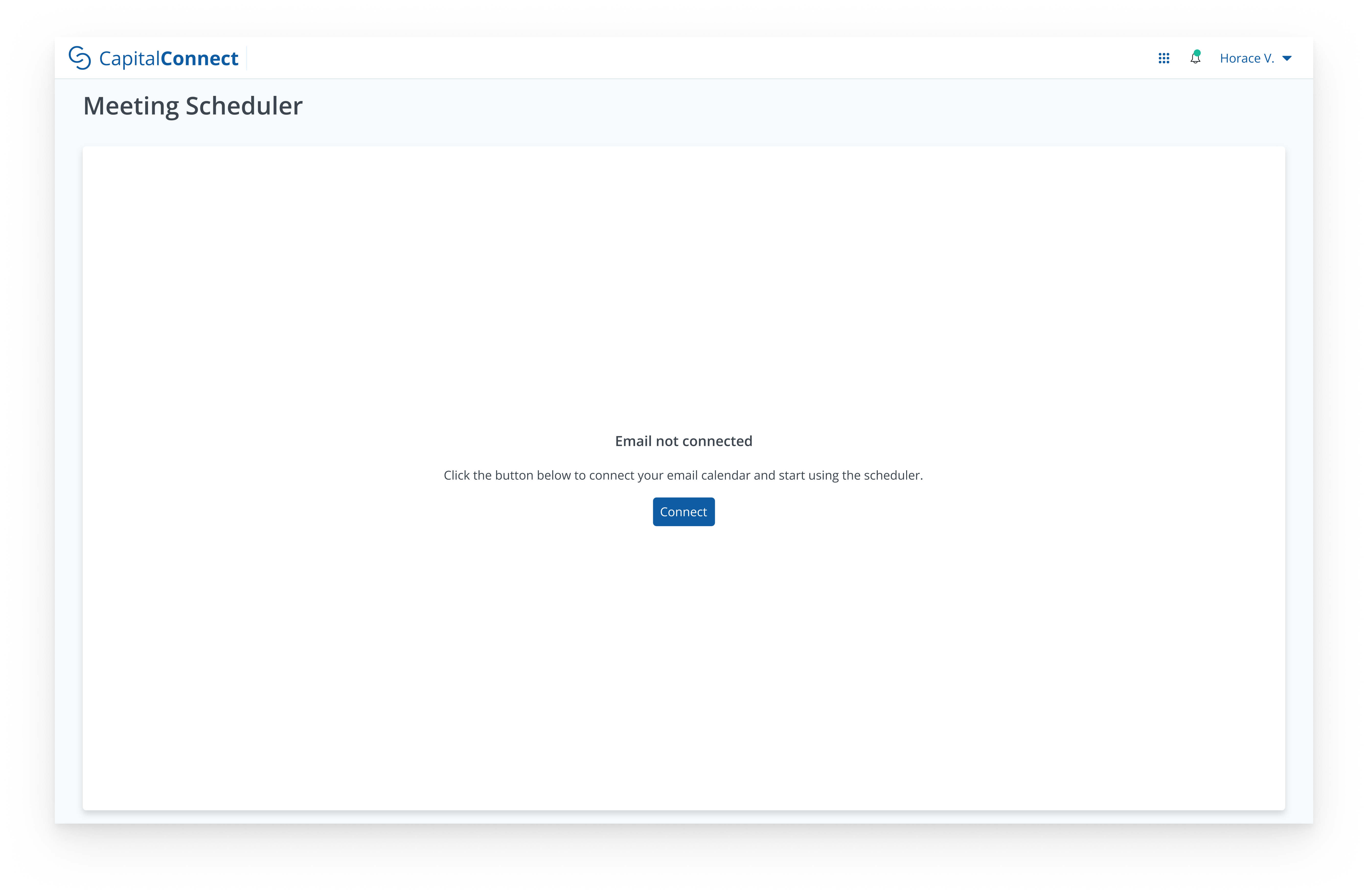
Prior to creating a meeting page, users must connect a calendar via an email address.
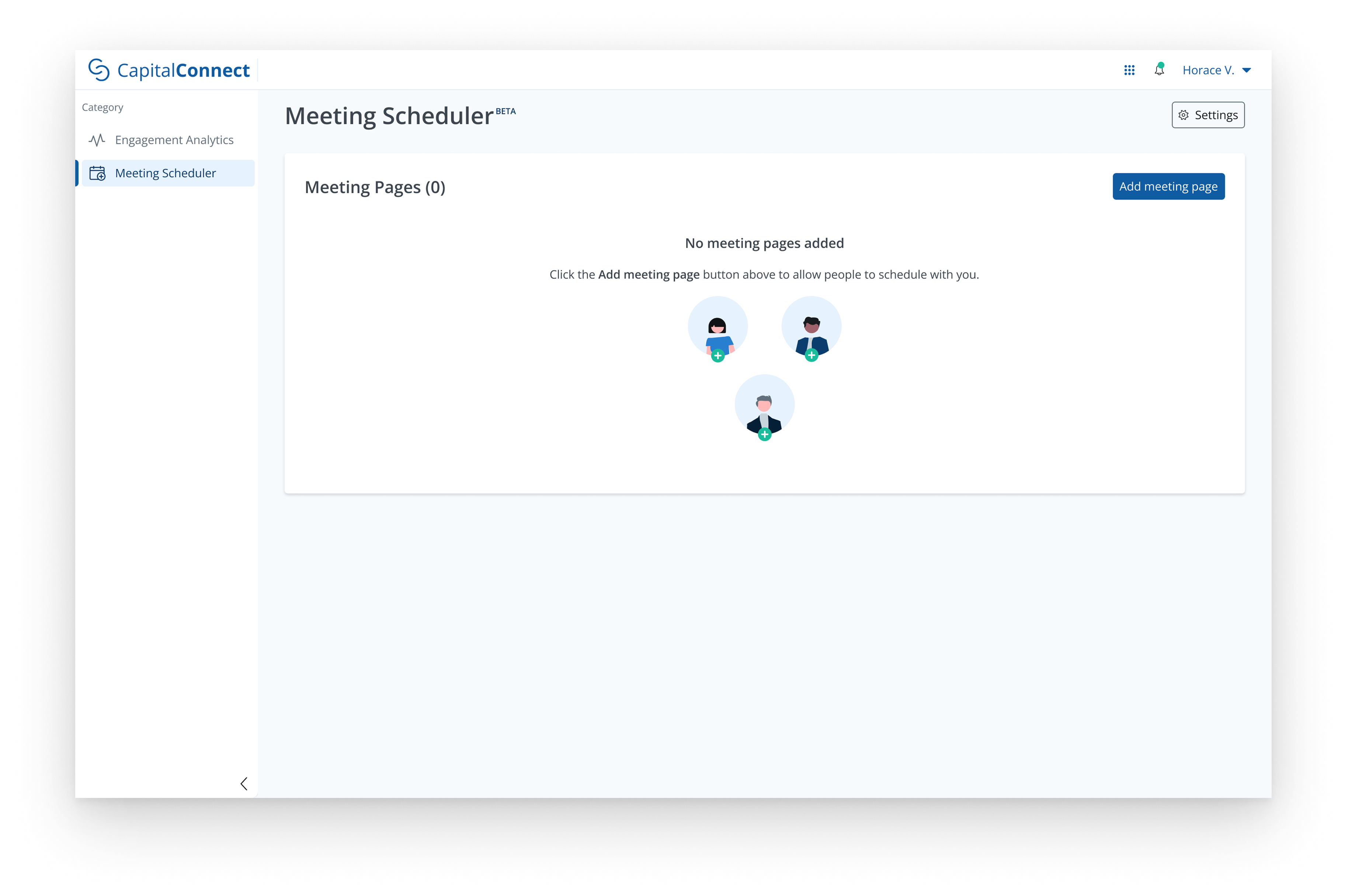
Toggle between Meeting Pages and Schedule Meetings, or Add meeting page.
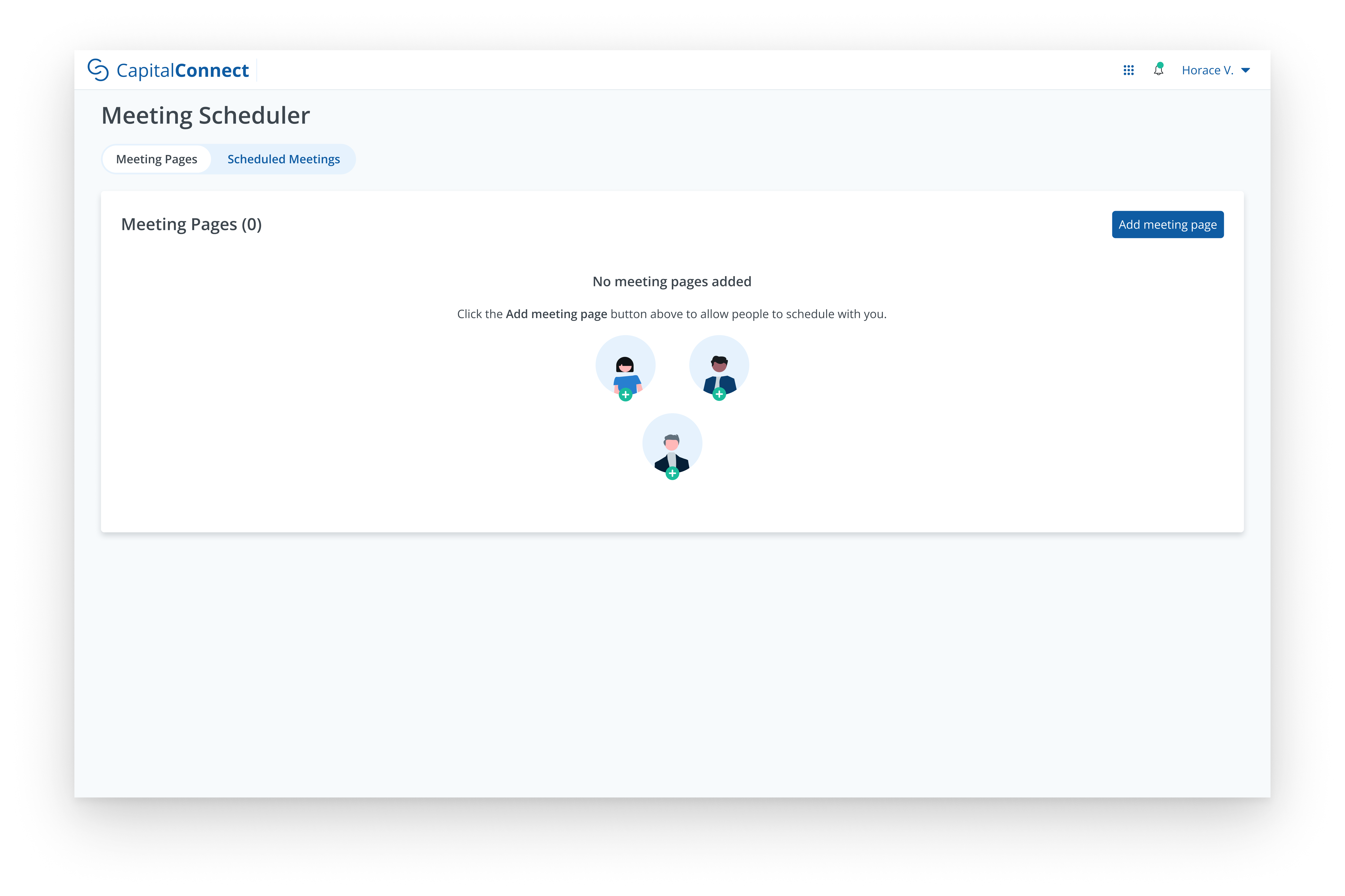
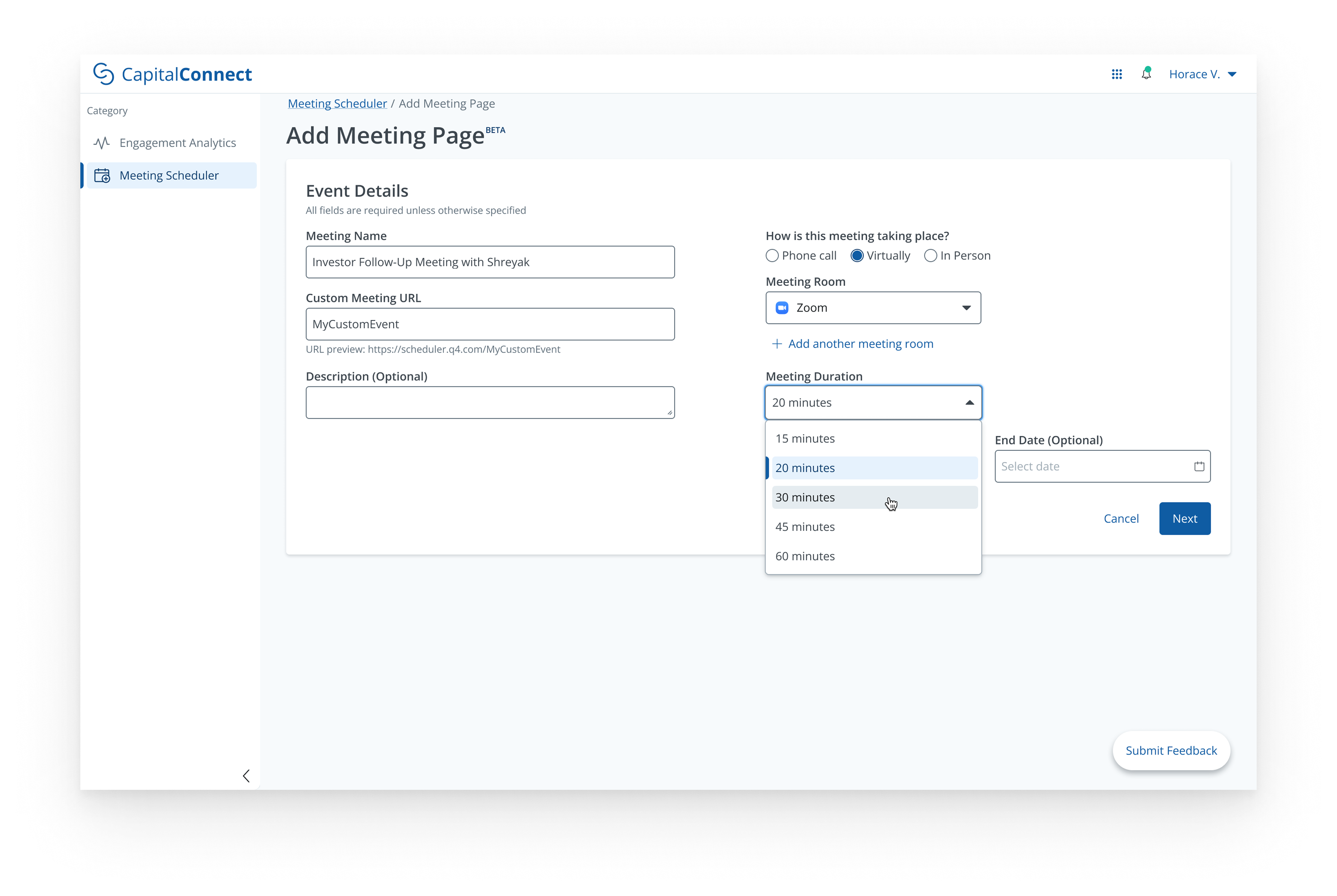
Input meeting name, URL slug, meeting link, and duration.

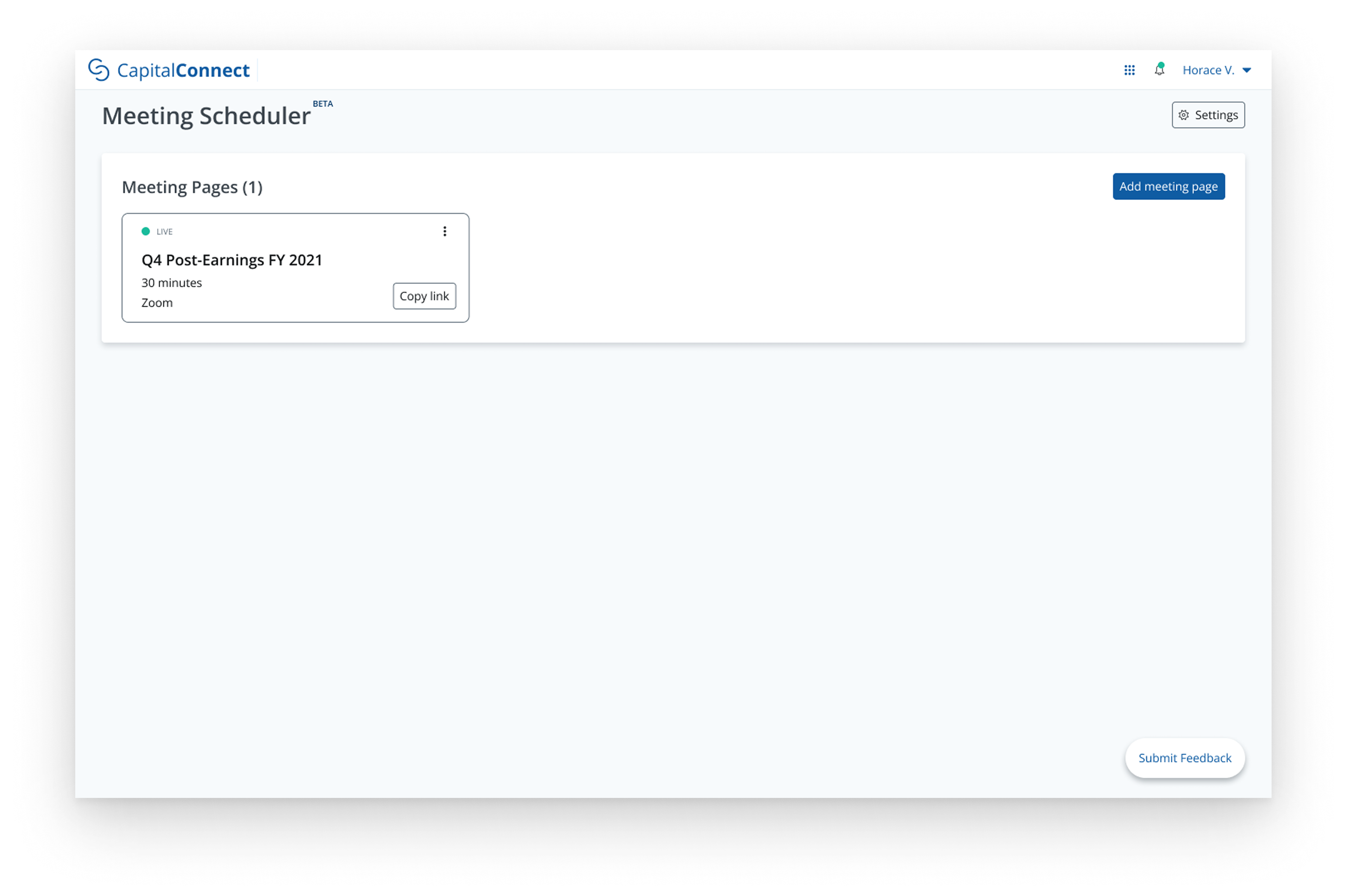
Meeting page is live. Copy link to share.
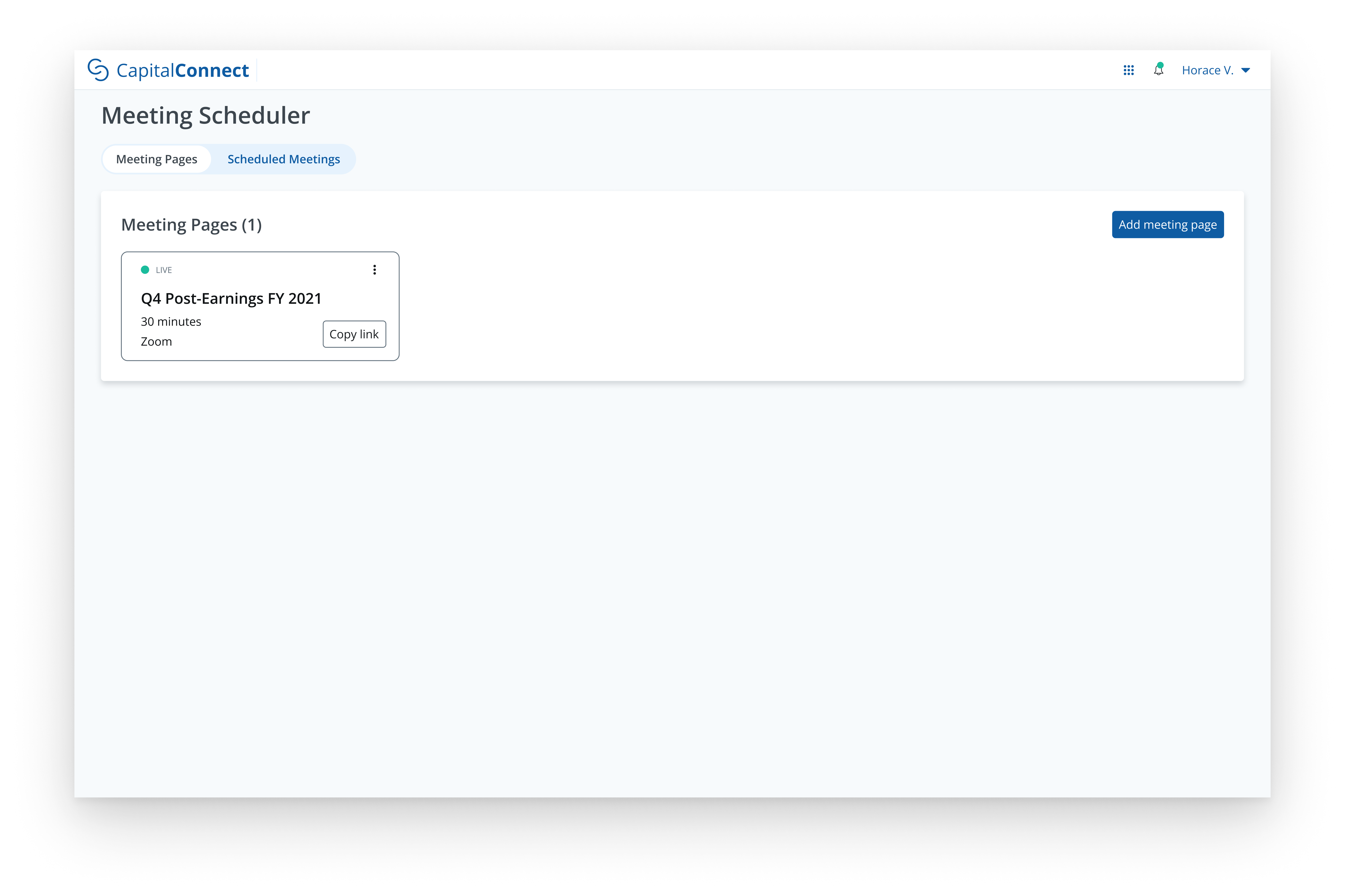
Deactivate, edit, or delete an existing meeting page.

In the form of usability testing, I needed to validate whether the flow was intuitive and targeted pain points, while identifying any areas of friction before implementation.
I tested the prototype with 5 IROs from our client base.
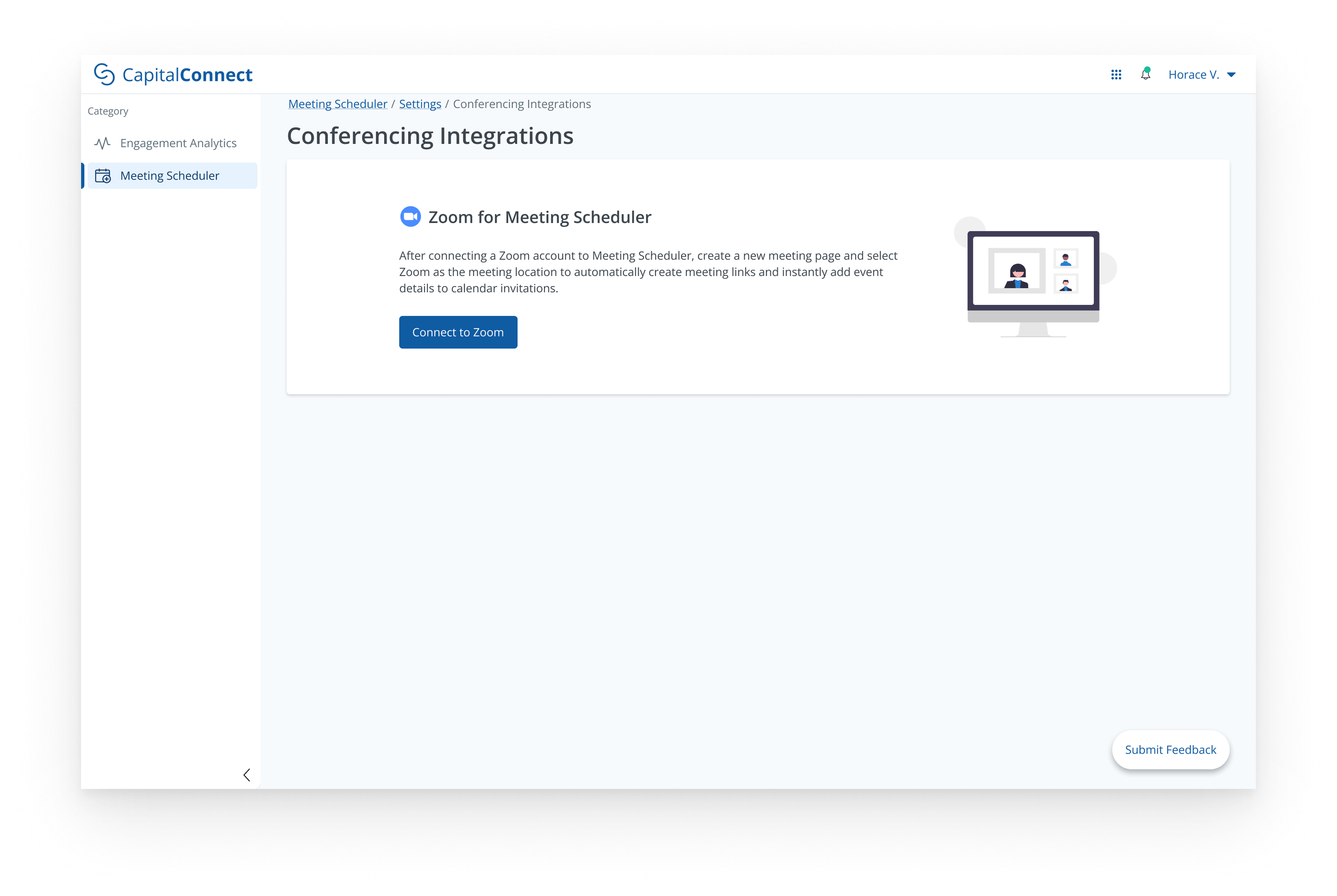
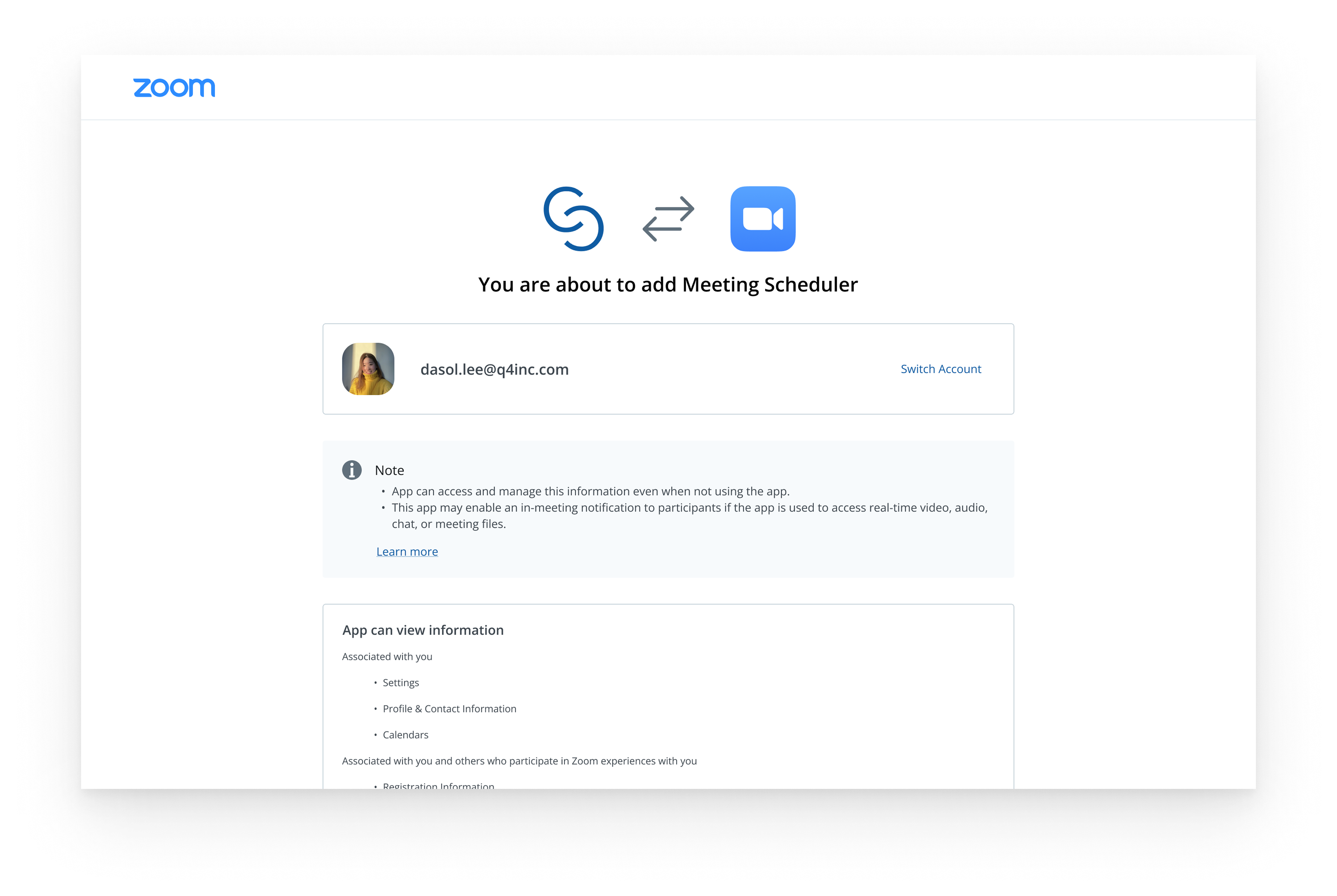
“It would be a lot more efficient if we could connect the scheduler to our Zoom account and automatically generate meeting links instead of having to copy & paste”.
“I’m not 100% sure what ‘Meeting URL Label’ is referring to, even with the descriptive [help] text”.
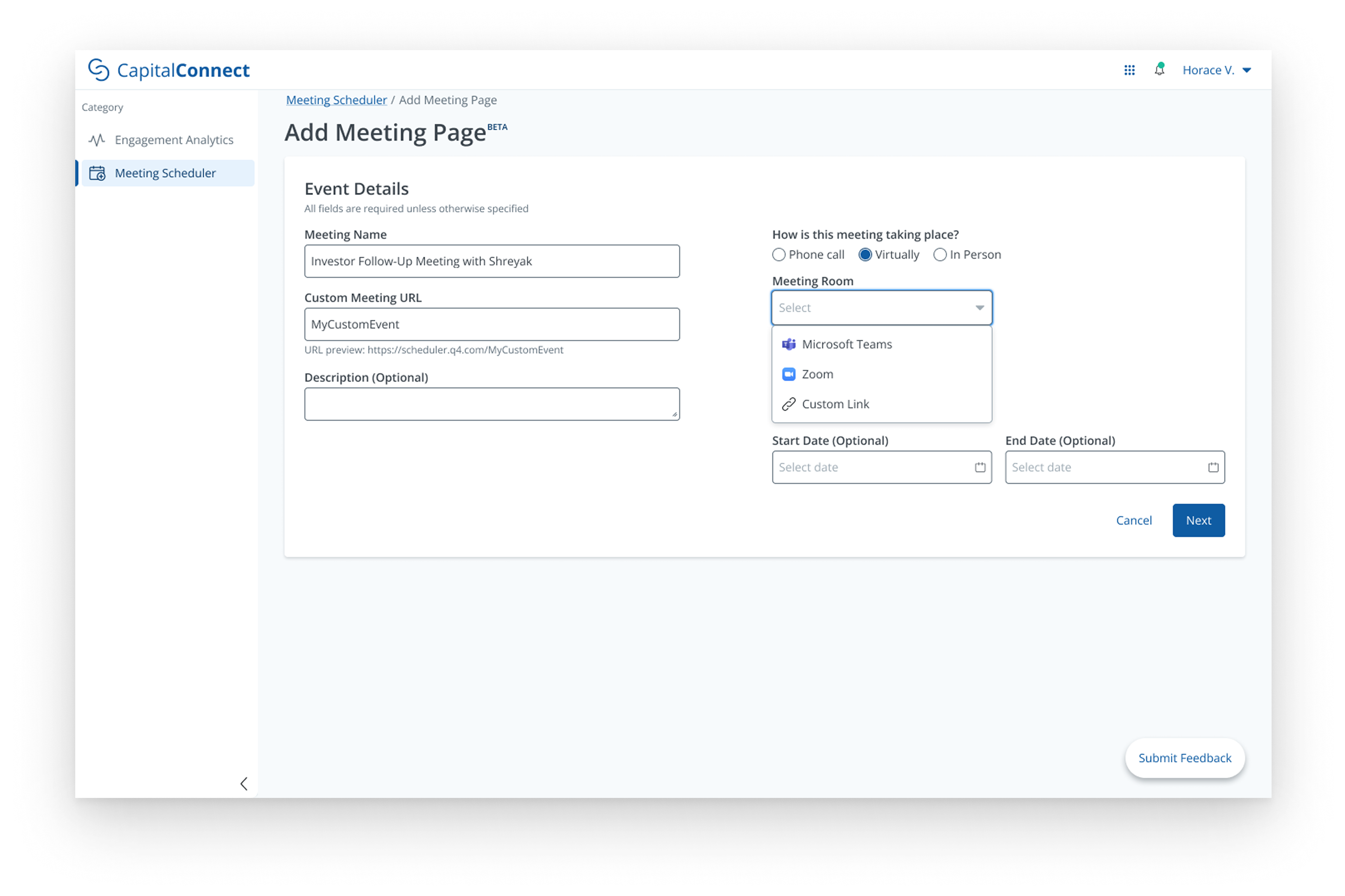
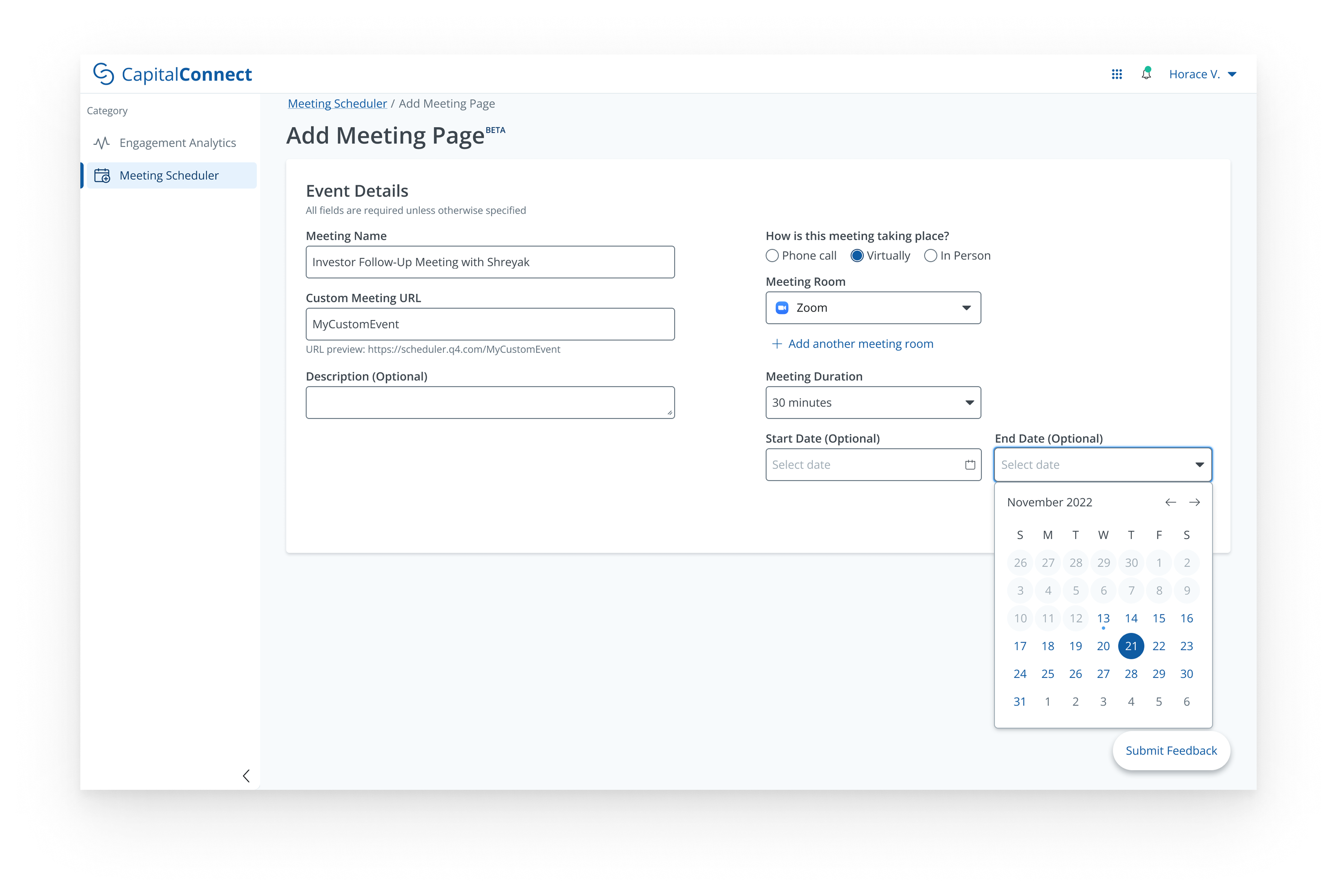
2/5 testers expressed wishes to configure start and end dates for meeting scheduling pages.
The final design was shaped directly by what we heard in testing. The most impactful change was the Zoom and Microsoft Teams integration. Testers mentioned that manually copying and pasting meeting links was the most tedious part of the setup process, so we worked with developers to build native video call connections that auto-generate links. Optional start and end dates were also added, which two testers specifically requested for managing time-bound meetings. Copy updates across the flow — especially around "Meeting URL Label" — were refined in collaboration with a UX writer and retested before launch. The result is a scheduler that feels seamless within our Capital Connect platform.
Since launching, the Meeting Scheduler has been live with IROs across our client base. Without post-launch analytics recorded at the time of release, here's what I'd want to measure to evaluate success and guide the next iteration:
What percentage of active IROs have connected their email/calendar and created at least one meeting page?
Low adoption may signal onboarding friction worth investigating.
Are IROs creating one-off pages or reusing the same pages repeatedly?
Since our early assumption was that pages would be reused, this would directly validate or challenge that hypothesis.
Where do users abandon the setup?
If most drop-off happens at the email connection step, that could be a sign that the experience needs work.